



Free, forever
$0
- 300 prompts
- Unlimited projects
- 3 versions per project
- 4 variants
- 3 design systems
- Unlimited code export
- 50 renders, watermarked
- Live preview
- Codebase projects
- Your own agent CLIs
- Works offline
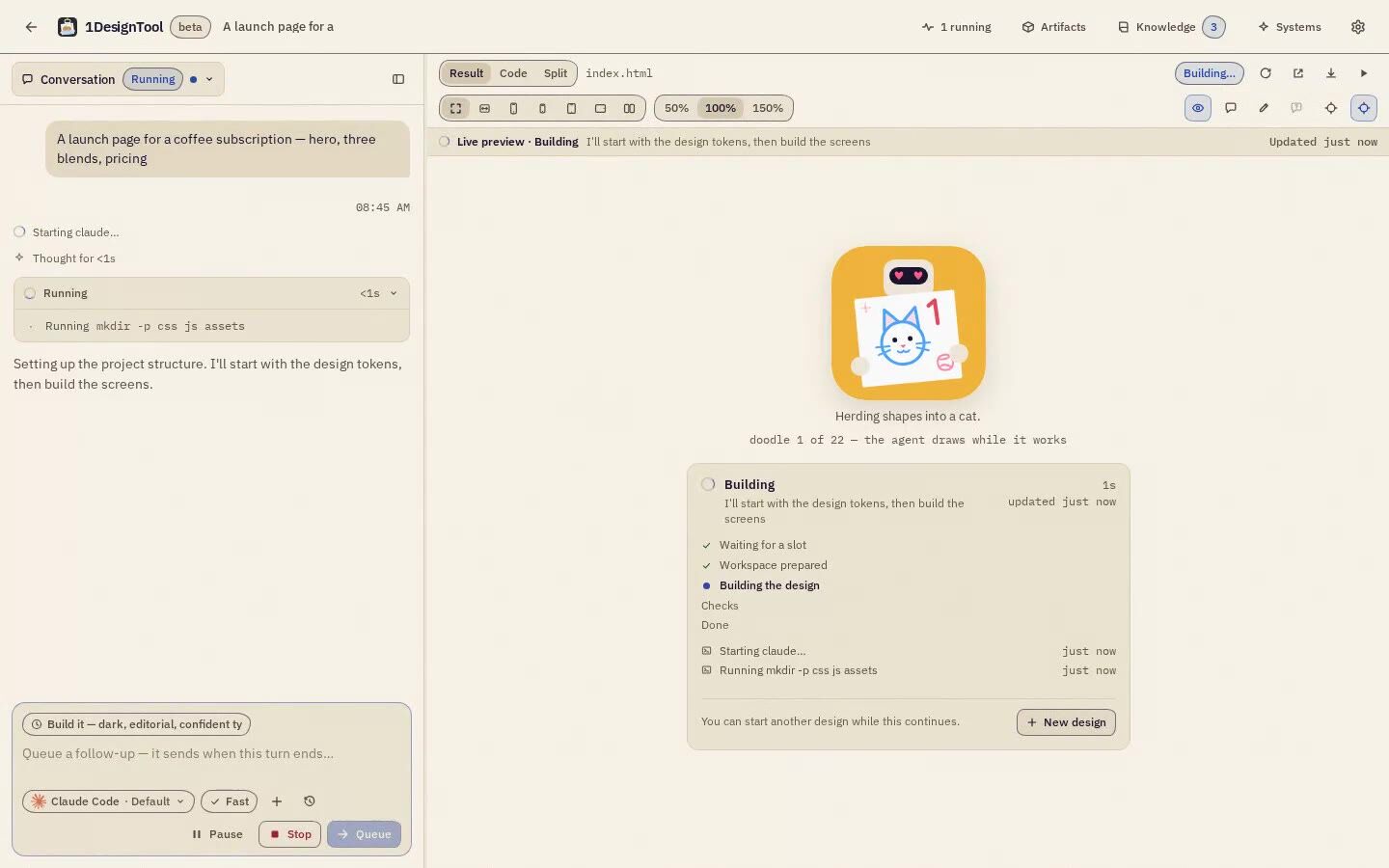
Write a brief. The coding CLI you already have designs it as real files in a folder you own, with a live preview beside the conversation. No account, no subscription.
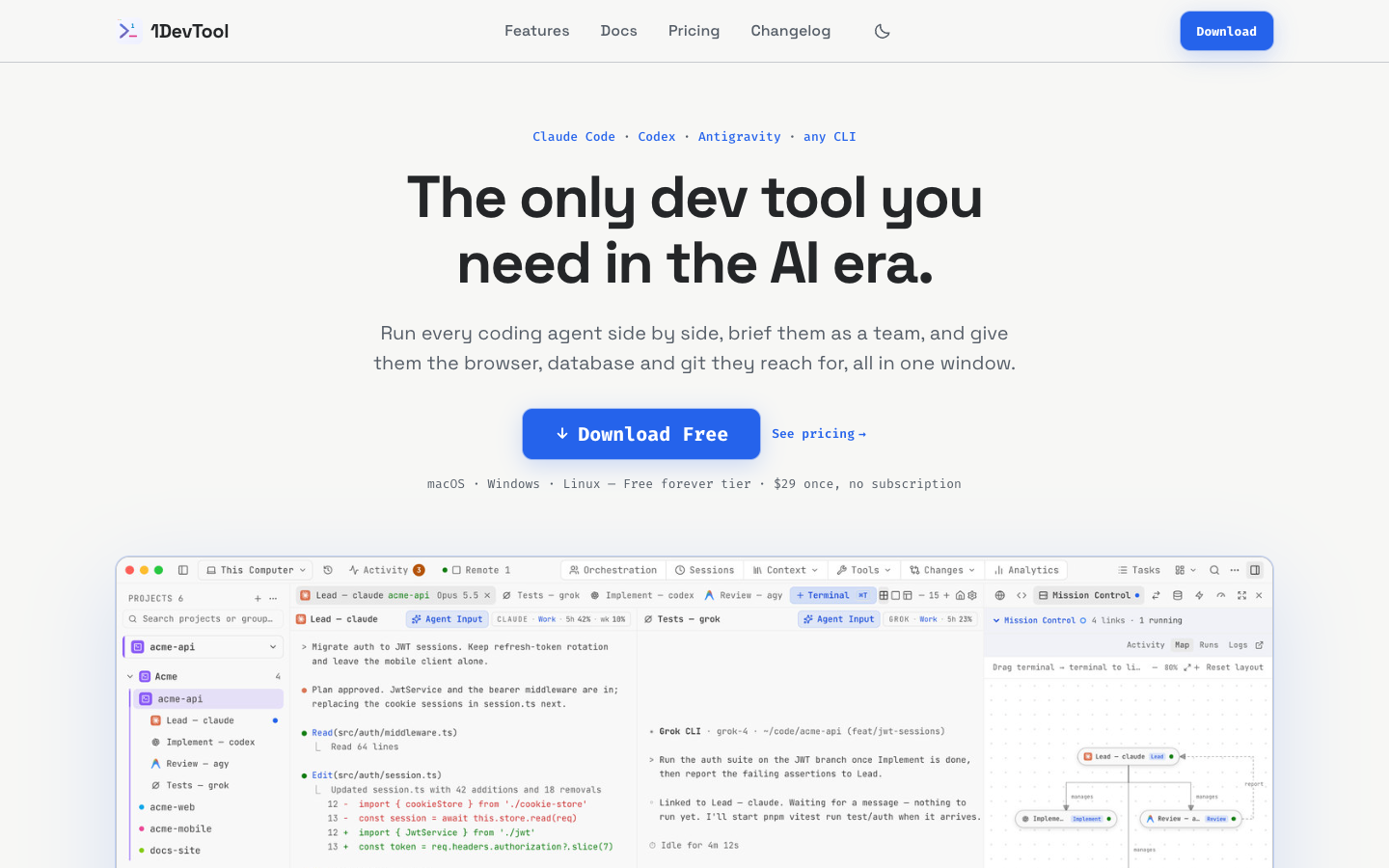
Design the redesigned 1devtool.com homepage described in brief.md at the project root. Read it fully first; it fixes the copy, the exact section list …
1DesignTool finds the coding CLIs on your PATH and drives them: Claude Code, Codex, Cursor Agent and thirteen more. No new account, no API key to paste. Your agent talks to its own provider the way it always does.
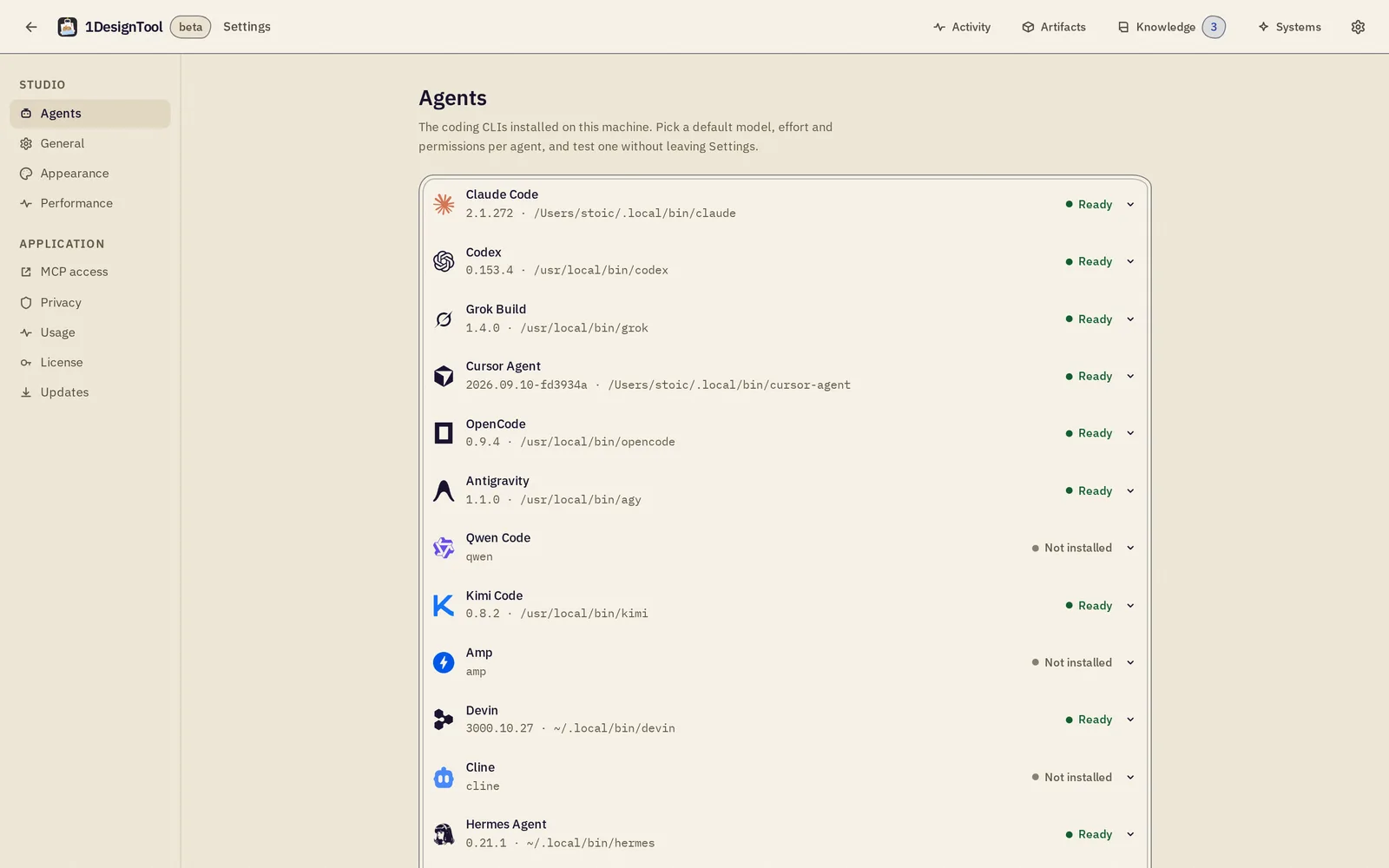
 Claude CodeReady
 CodexReady
 Cursor AgentReady
 OpenCodeReady
 AntigravityReady
 Qwen CodeNot installed
Ready and Not installed are from one machine’s Settings → Agents. Pi, Oh My Pi, Kiro CLI and Aider are found the same way.
Recent work from real runs, most of it the sites, app screens and store listings behind StoicSoft’s own apps. Open one to read the exact prompt, or open the result itself.
The best run of each, from the brief to the files it handed back.
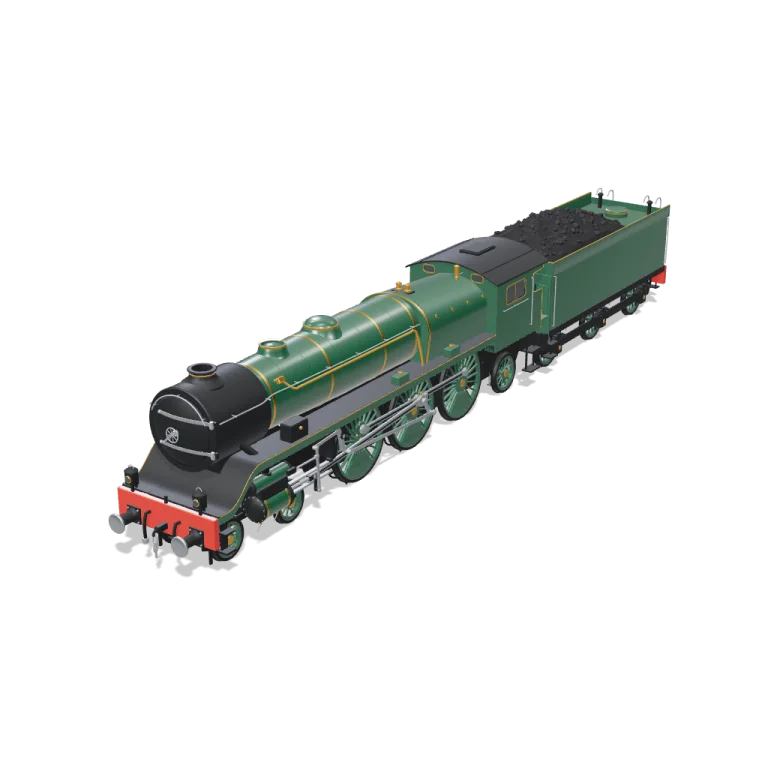
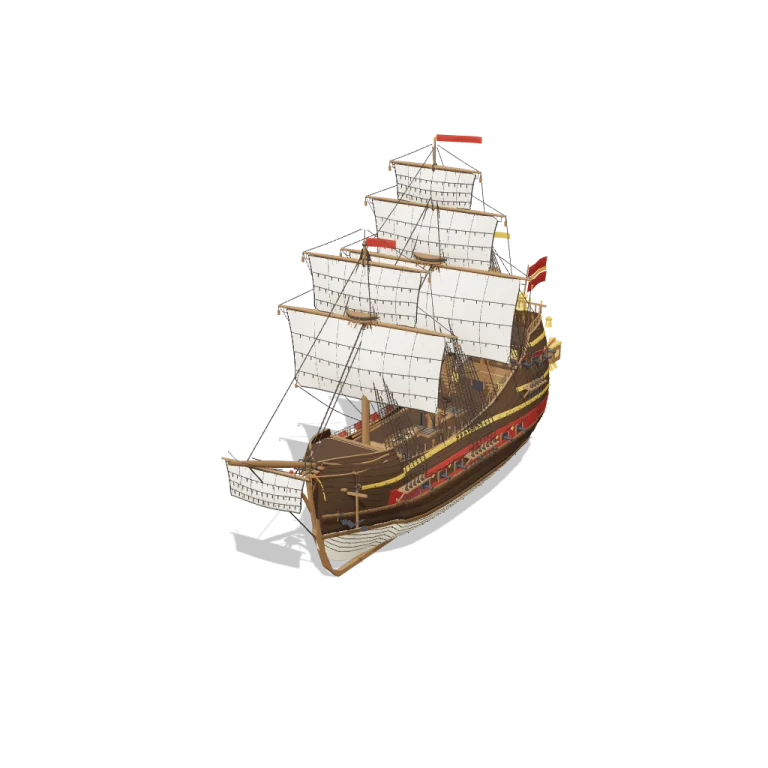
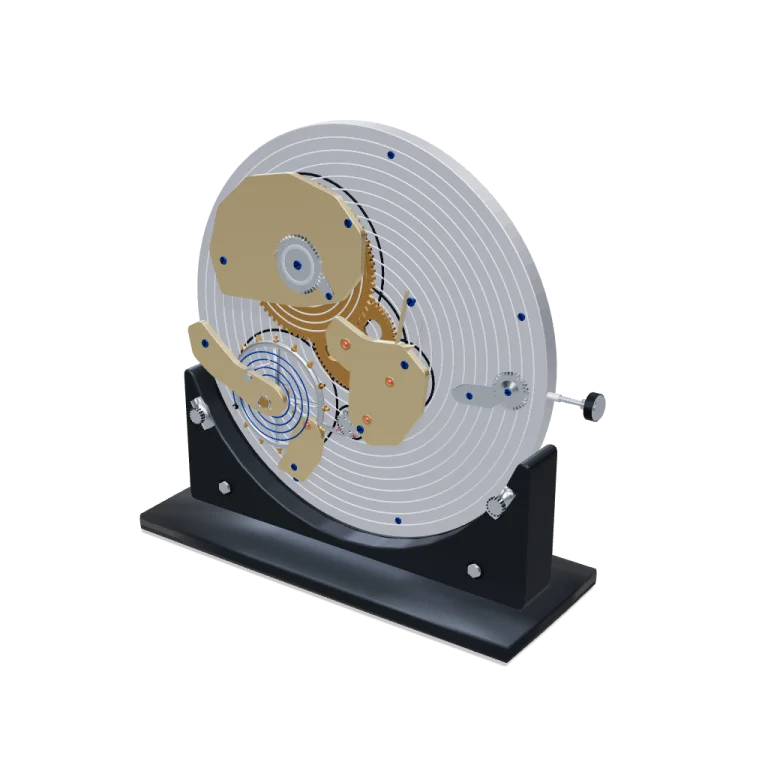
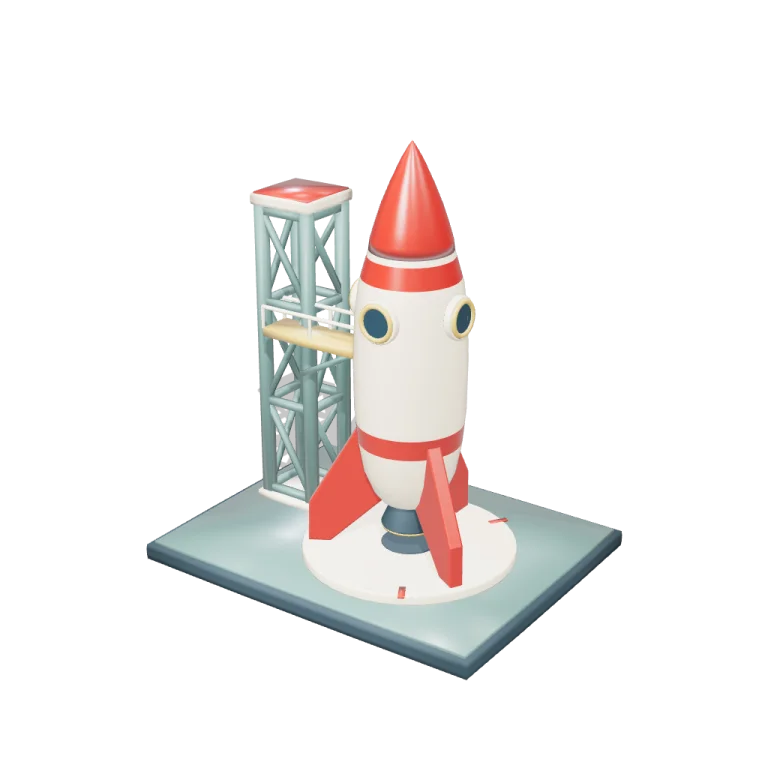
Game-ready GLB props, vehicles, characters and scenes, each built by a coding agent with the 3D object template. Named parts, real knobs to remix, a clean export. Free for commercial use, no sign-up.
design-plan.md first: headline, primary action, sections, the bold moment.tokens.css: every color, size and space the page may use.index.html lands first and grows section by section. Before it exists, the “Design so far” card draws the saved plan in the design’s own tokens.Point at the preview and say what to change. Ask for options. Roll back. Every control below is a real screen from the app.
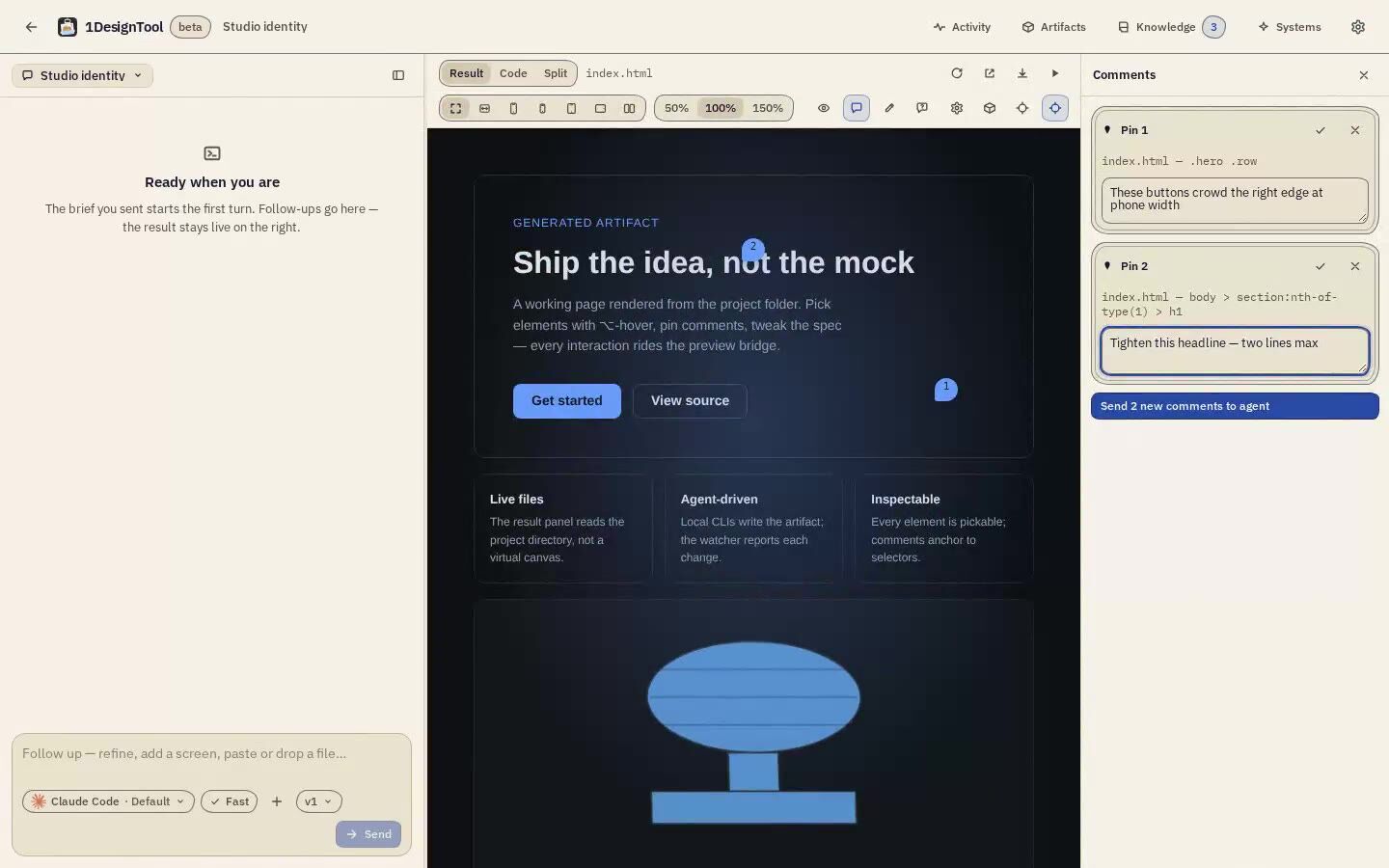
Click an element in the preview and say what to change. The comment pins to a selector and goes to the agent with the next turn.
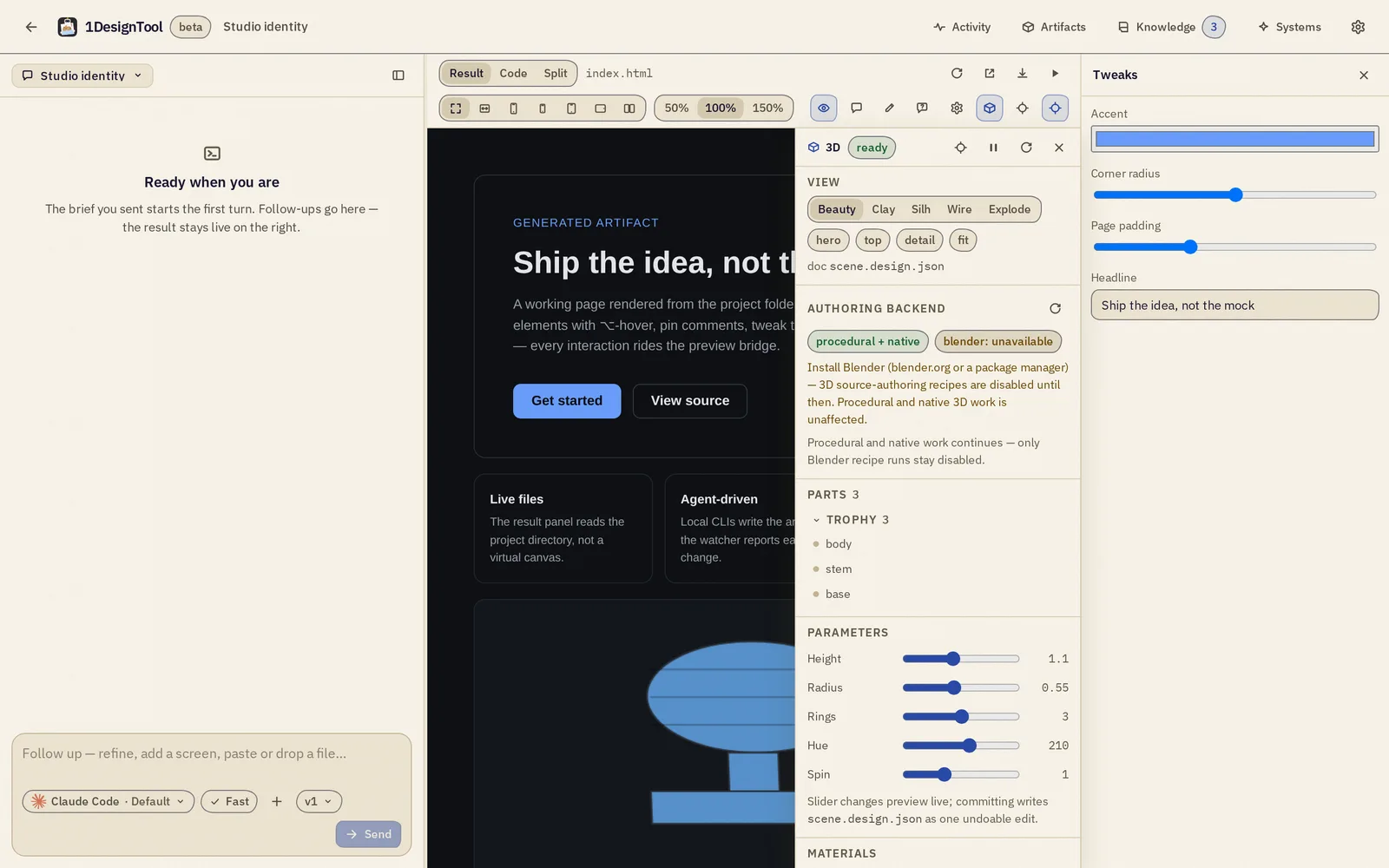
Accent, corner radius, page padding, the headline text: live fields in a Tweaks panel, no prompt needed.
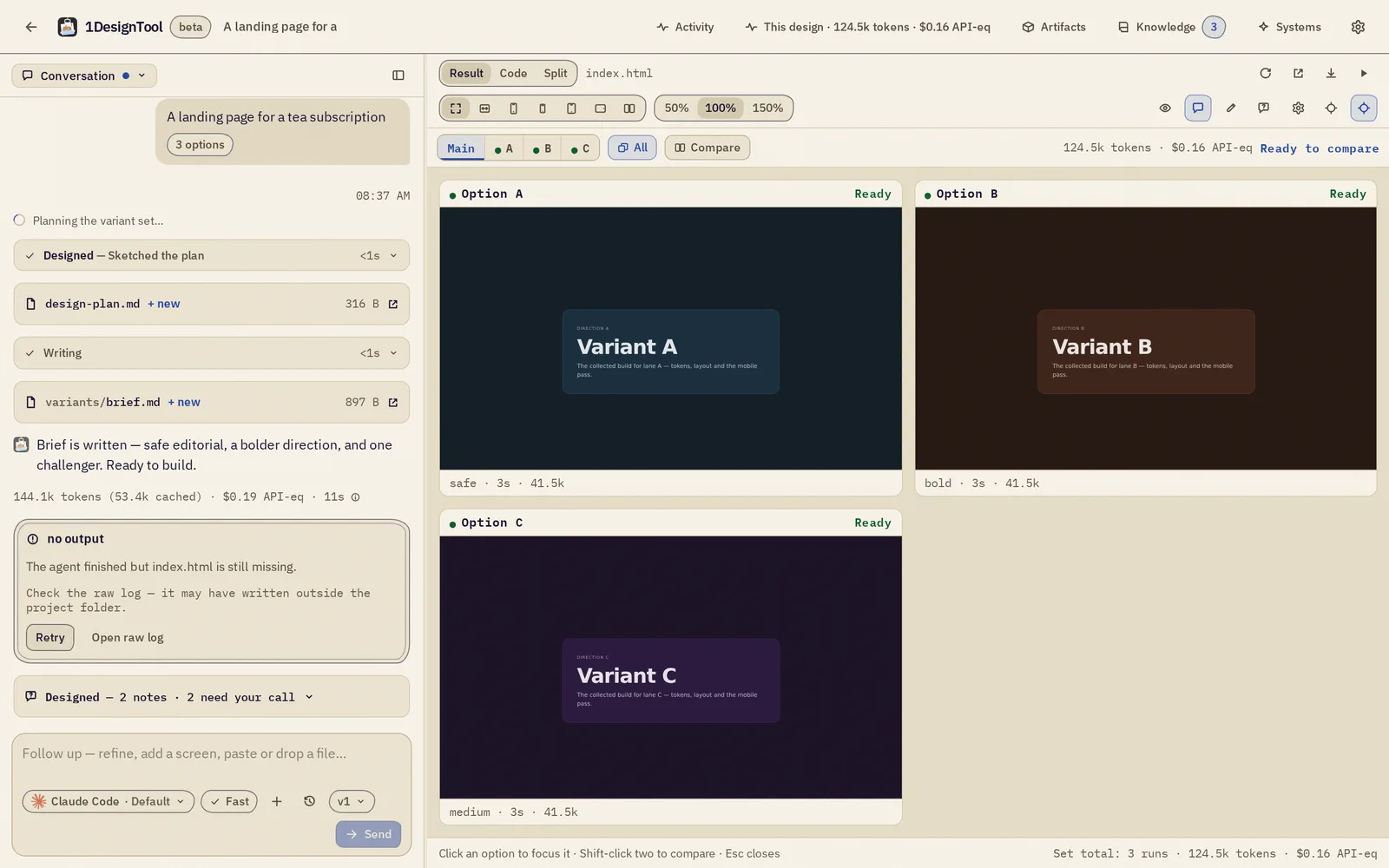
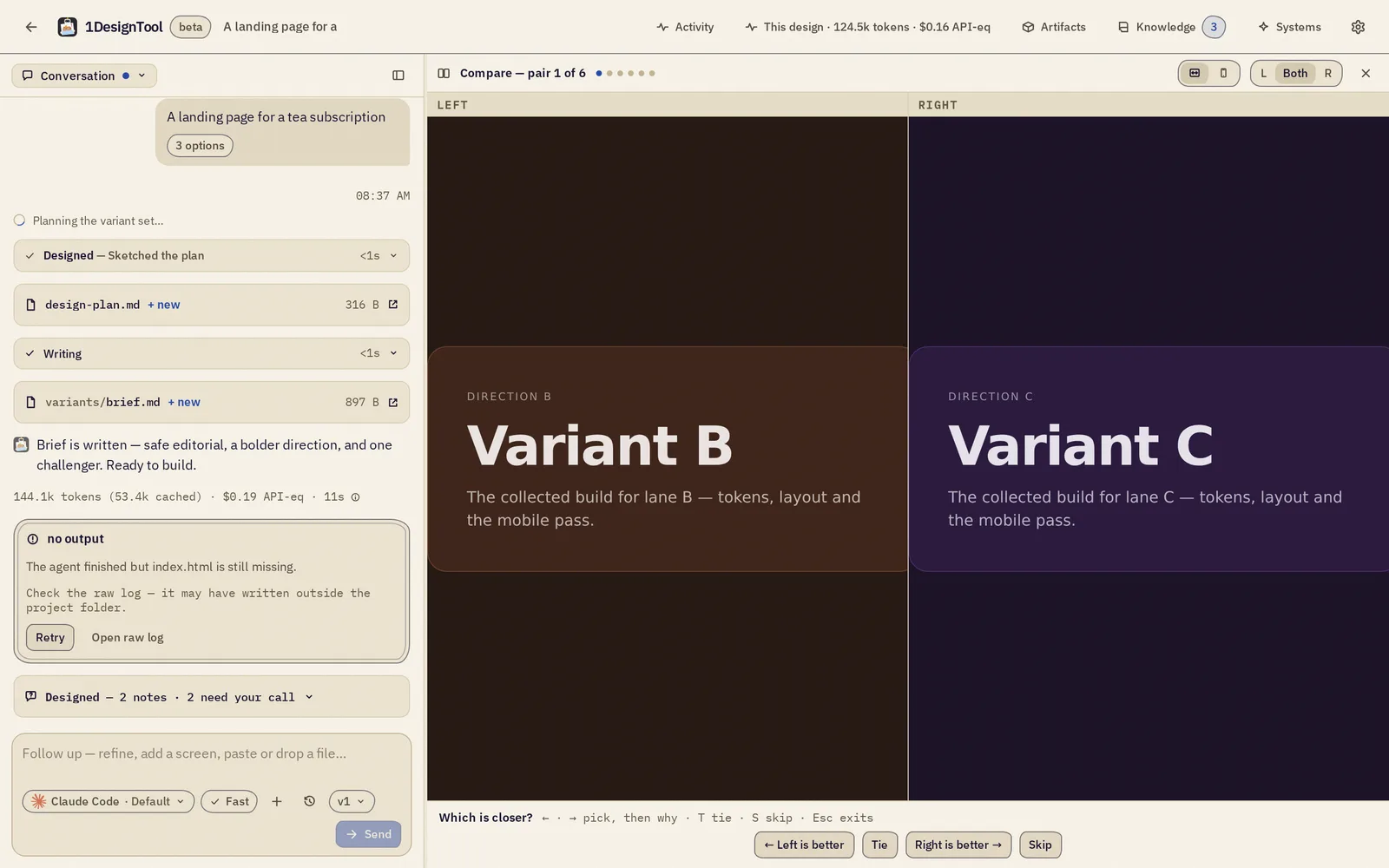
Ask for options and compare them in lanes or a grid. Or compare blind, two at a time, so the choice is about the work.
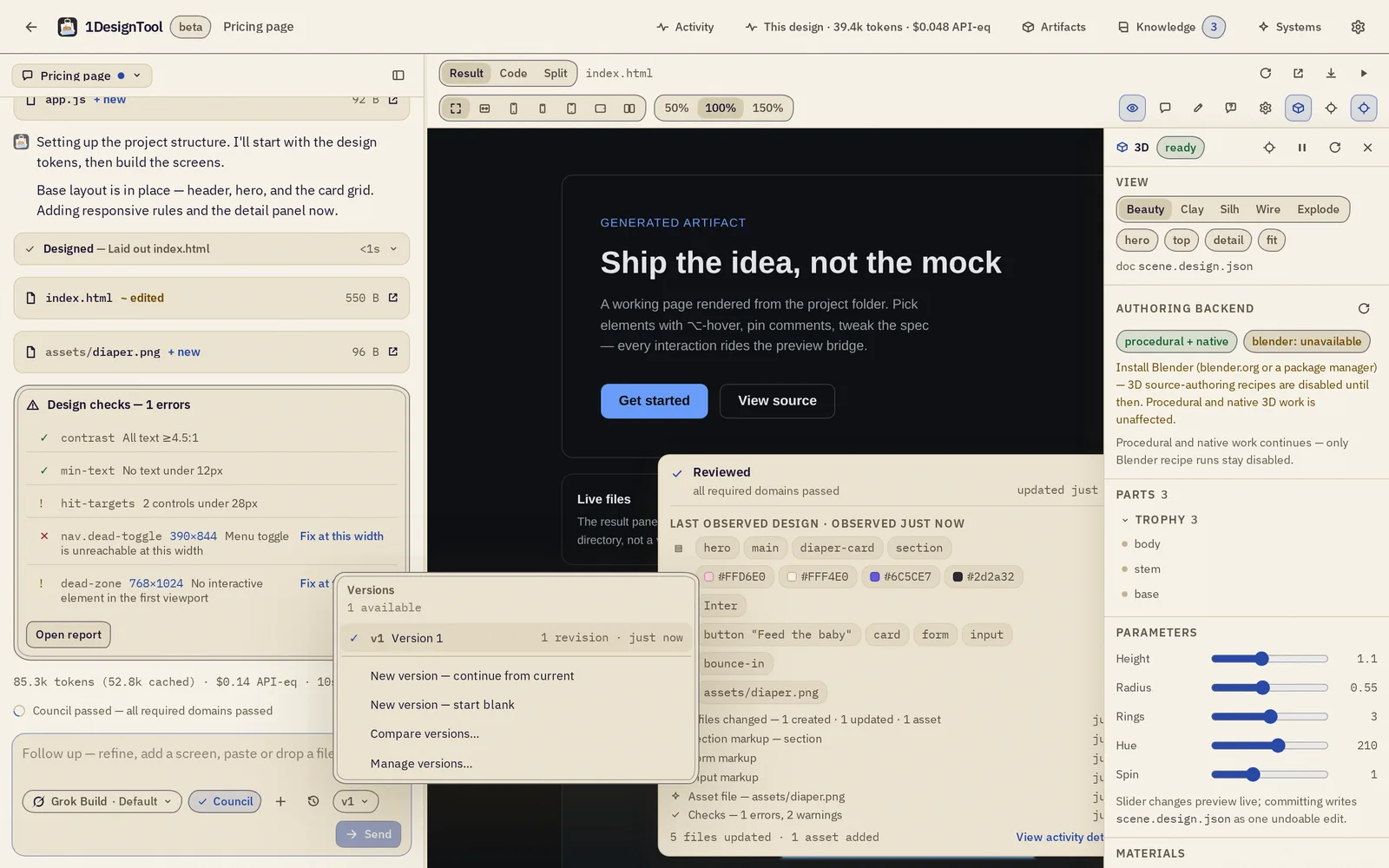
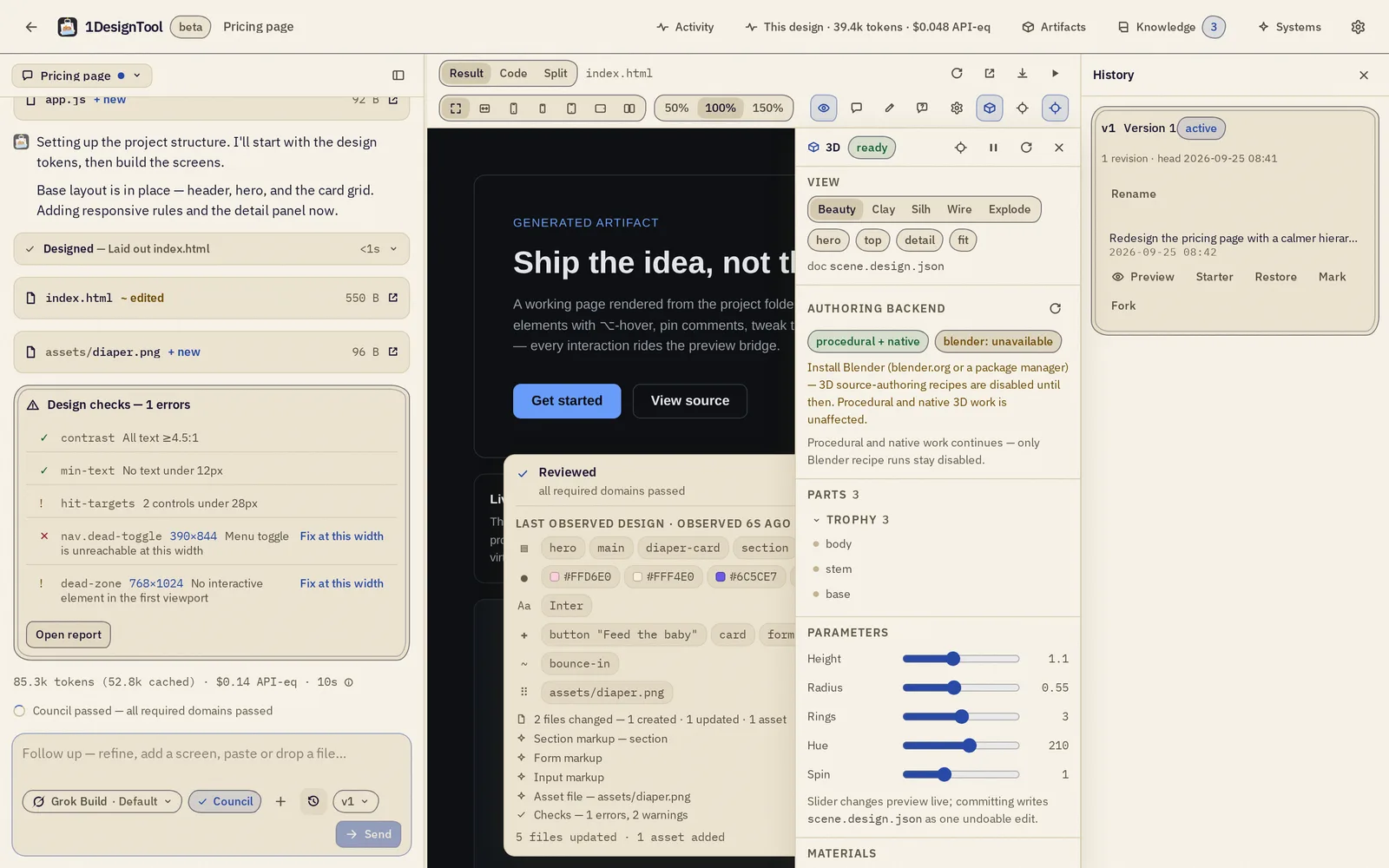
Every turn is a version. The chip shows where you are; the History drawer previews, restores and forks.
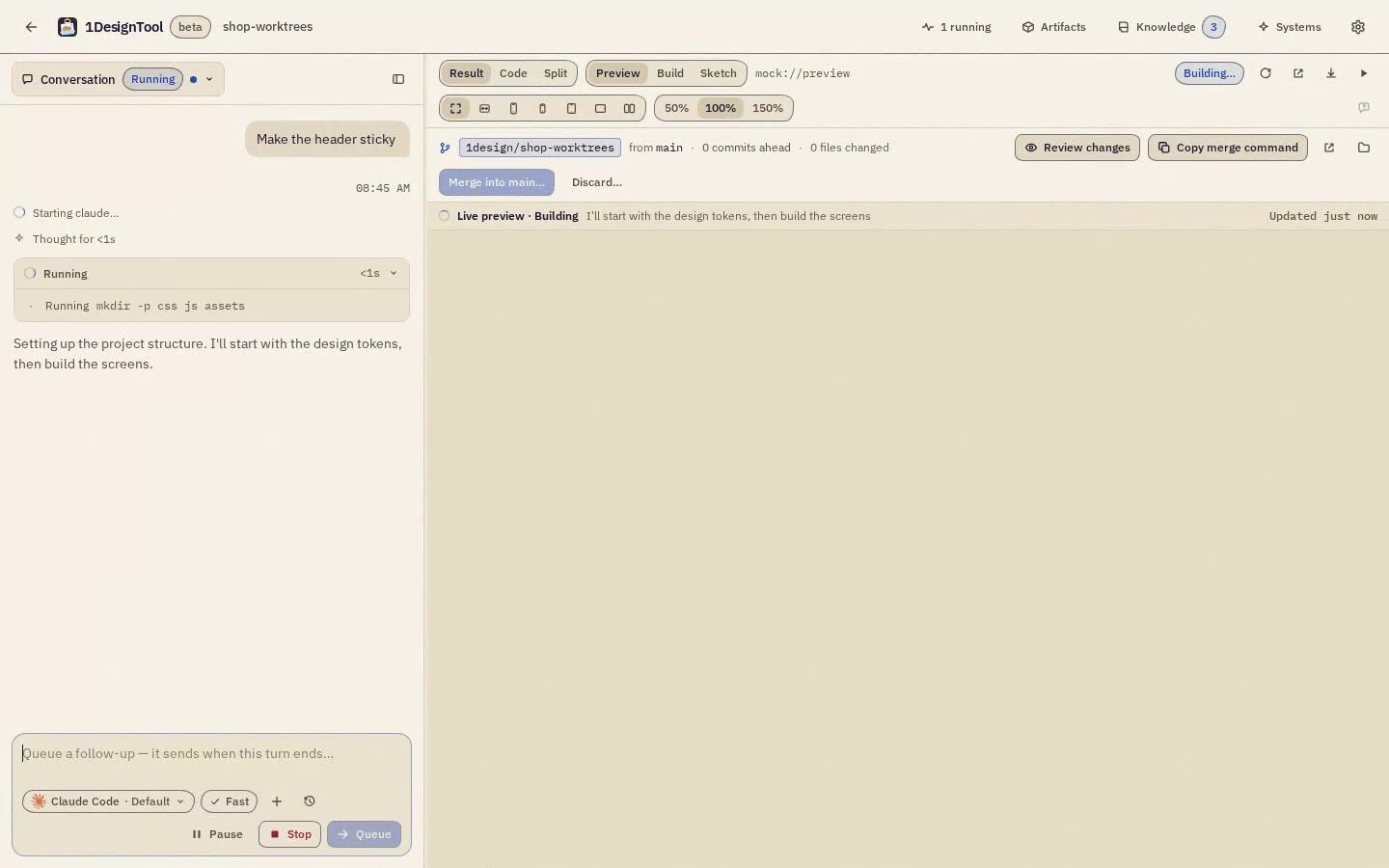
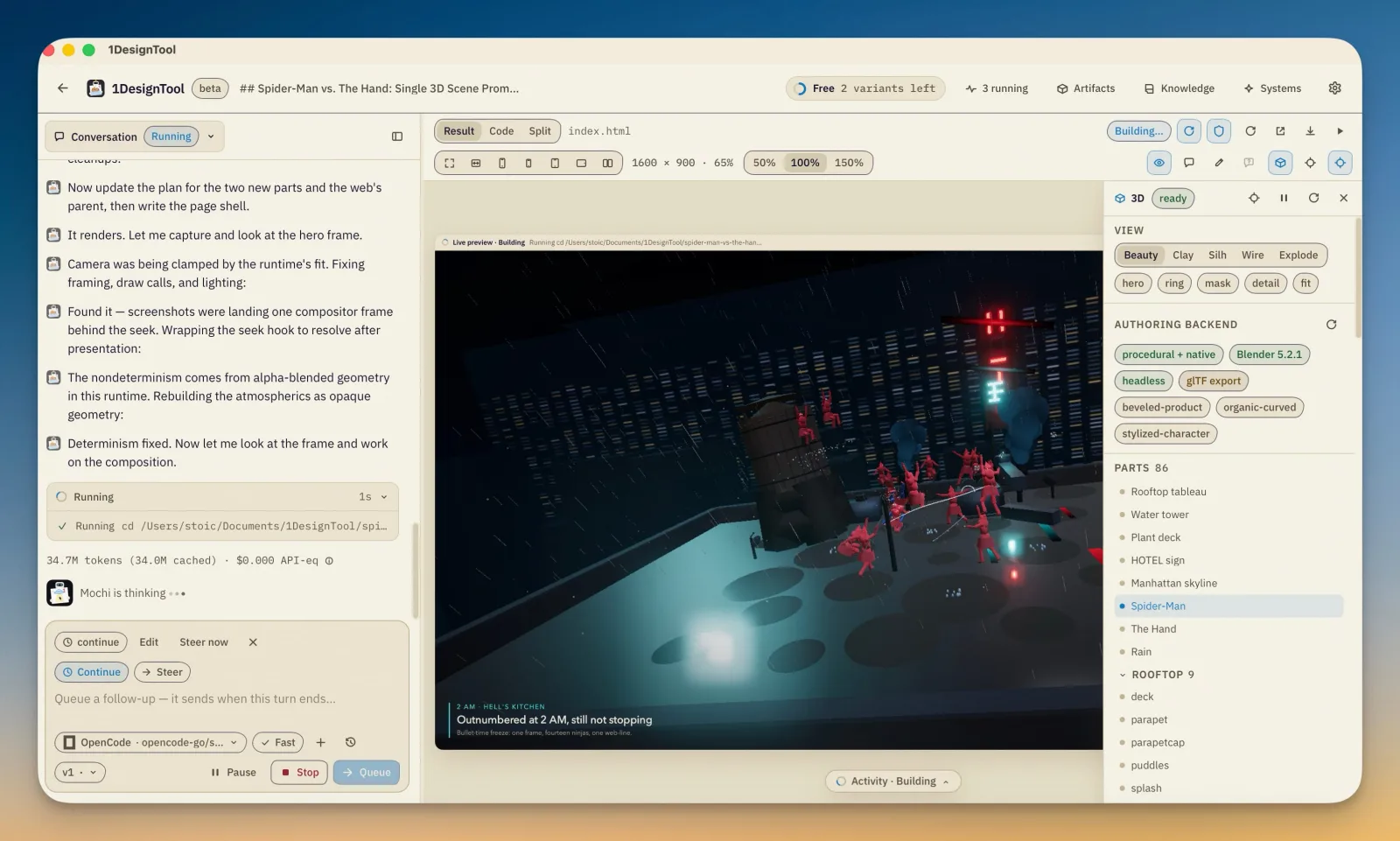
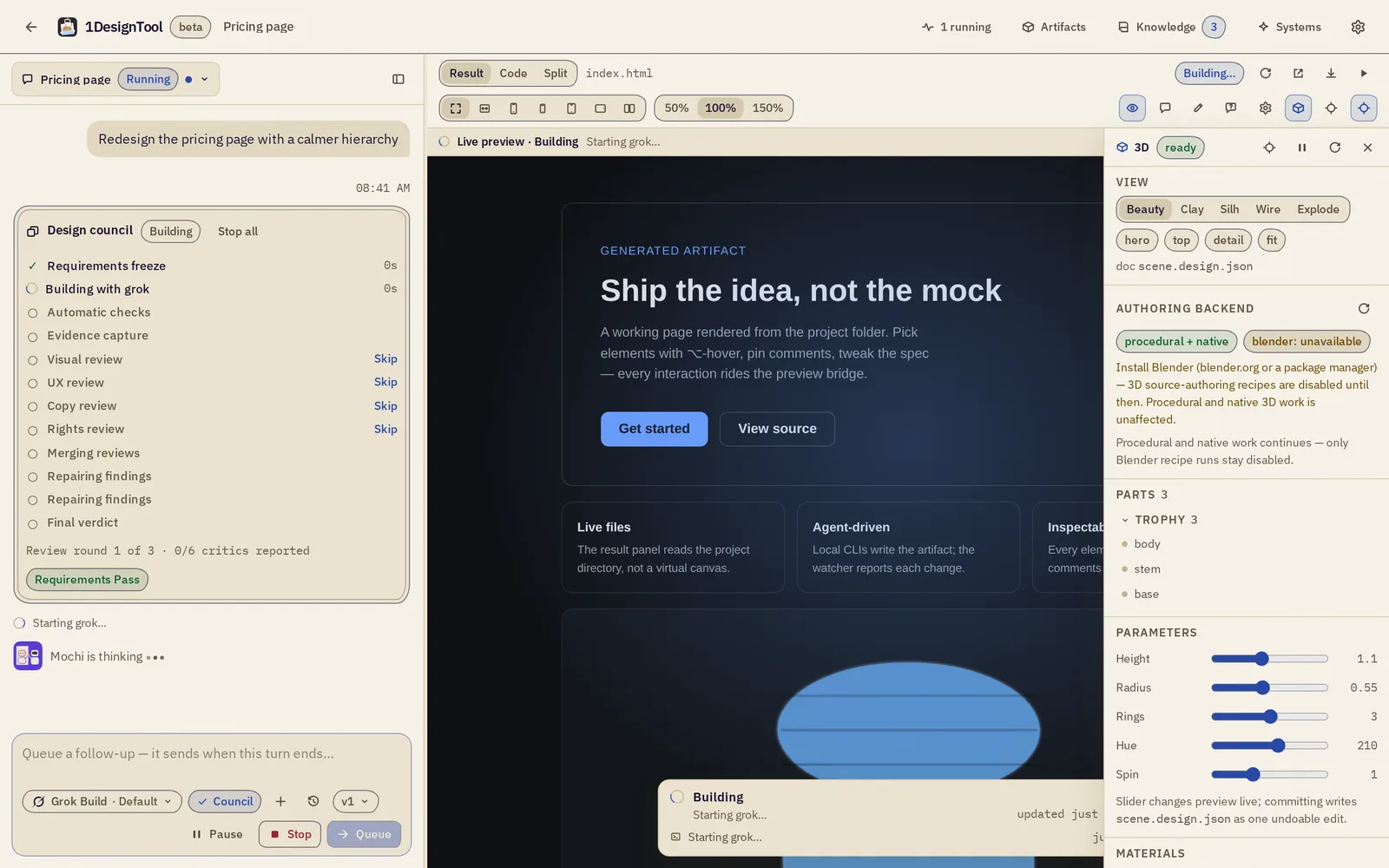
Type the next thing while the agent is still working. It sends when the turn ends, or you steer now.
Narrow, medium and wide side by side, zoom from 25% to 400%, and a present mode with nothing but the design.
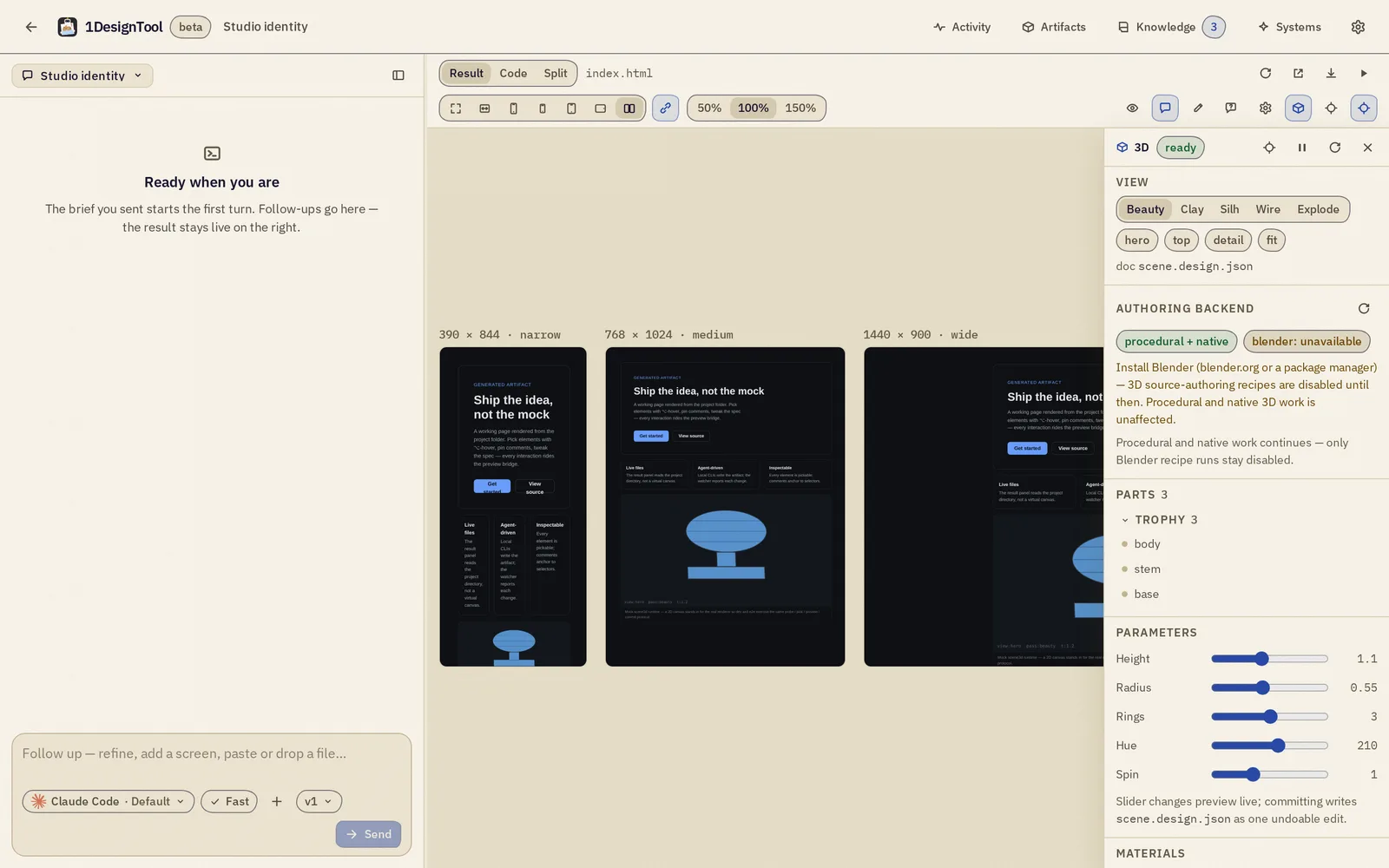
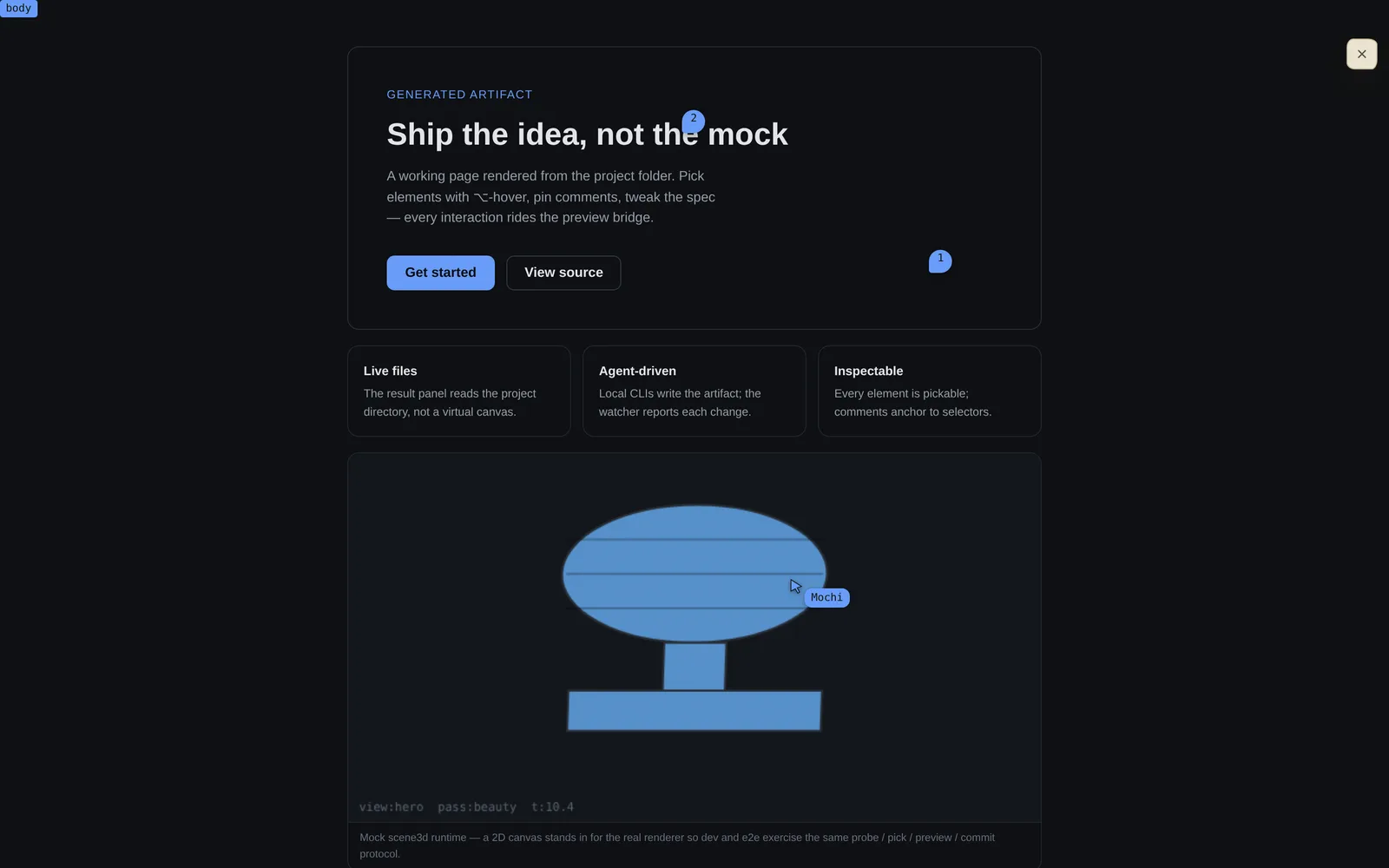
Every run picks one of 17 visual directions, writes its plan before any HTML, and ends at a gate that says pass or fail.
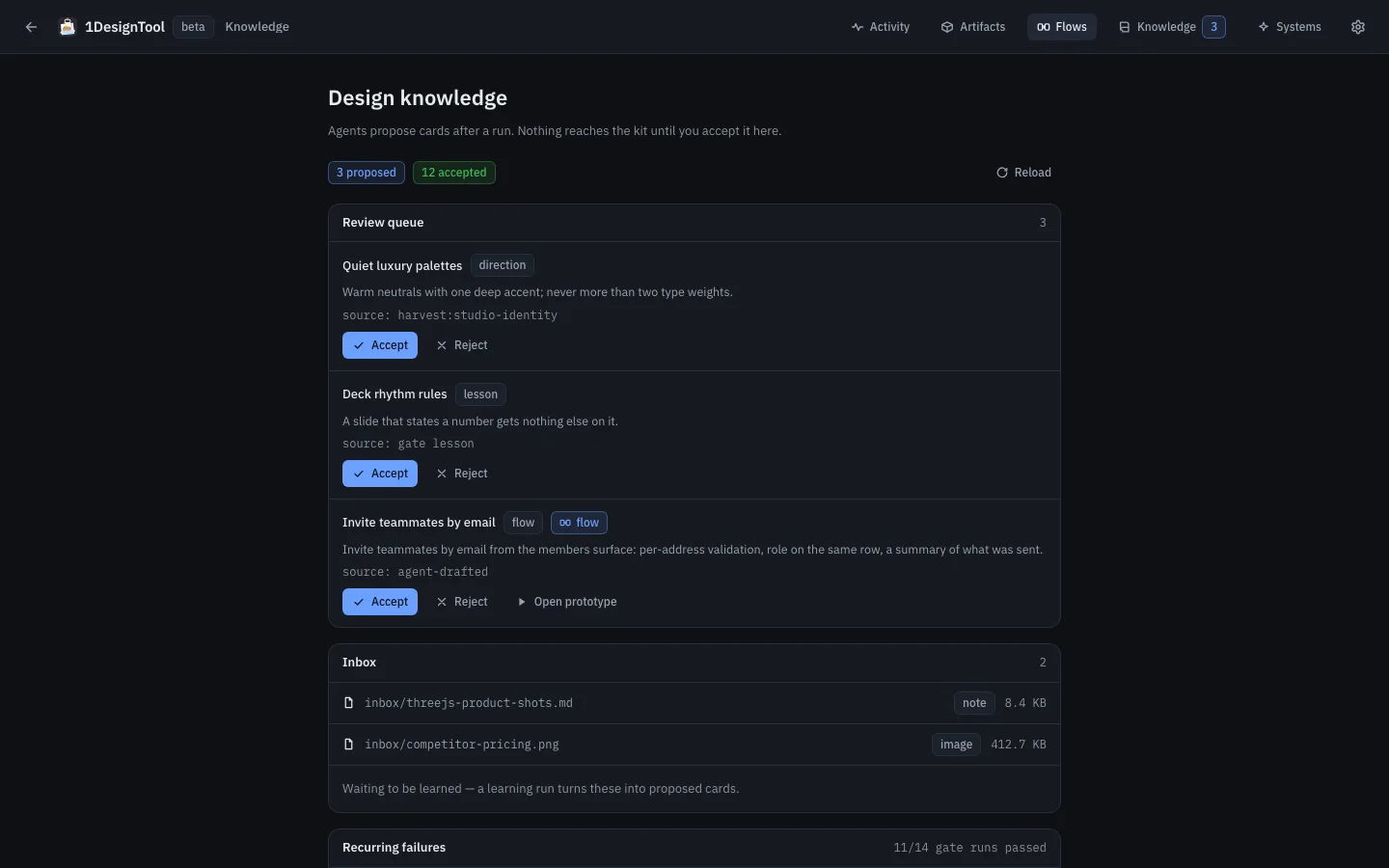
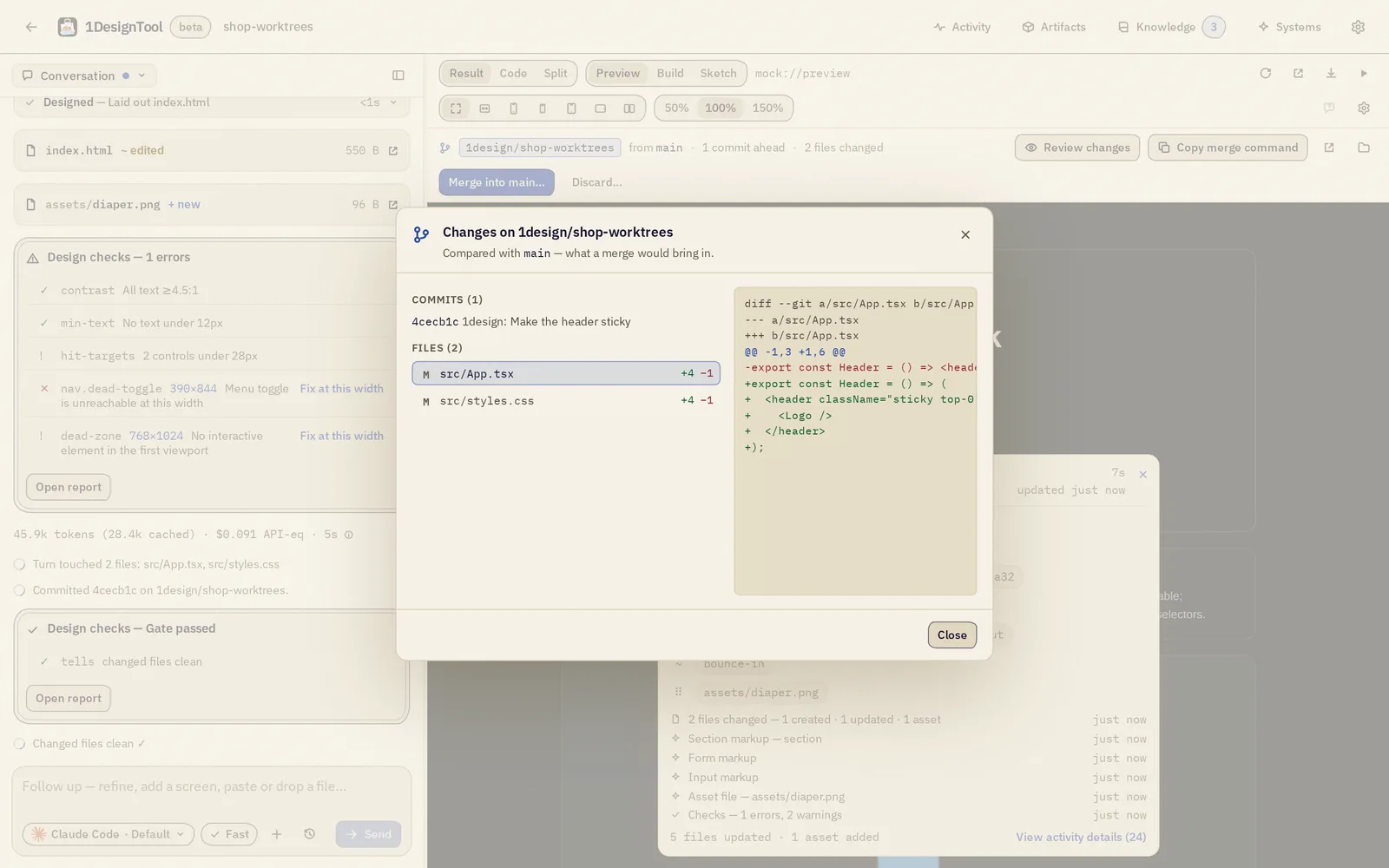
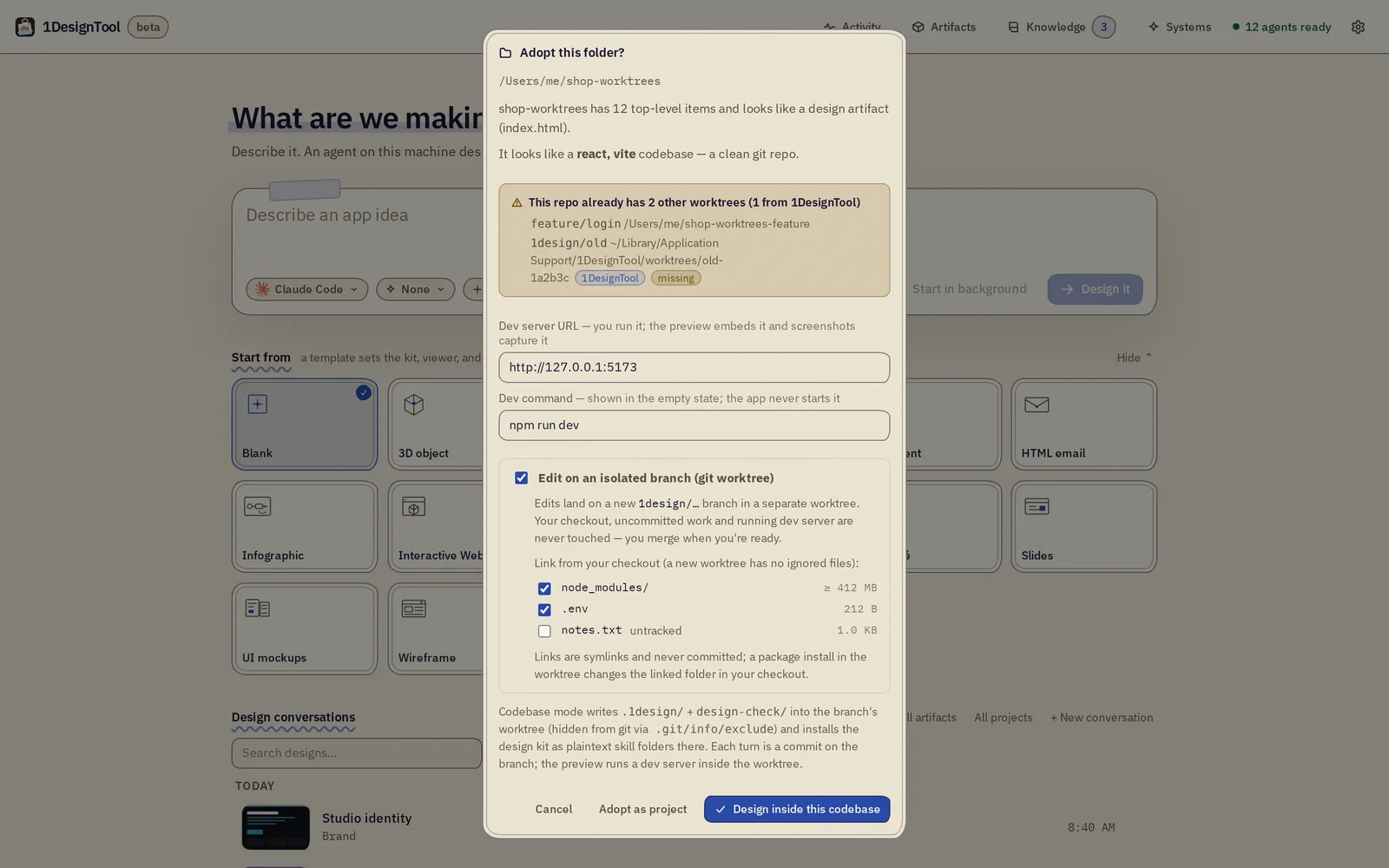
1DesignTool runs an MCP server, onedesigntool. An agent in another app, Claude Code in a terminal for example, can create projects, start design turns, screenshot the preview, run the gate and apply verified edits. Access is granted per credential and per project in Settings → MCP.
› project_create  name: "Launch page" · type: web
✓ project created  a folder on your disk
› design_generate  prompt: "A launch page for a coffee subscription — hero, three blends, pricing"
✓ run started      watch the preview
› preview_screenshot  viewport: 390×844
✓ screenshot saved
› run_gate
✓ PASS
› apply_and_verify  "Tighten the headline to two lines"
✓ applied, verified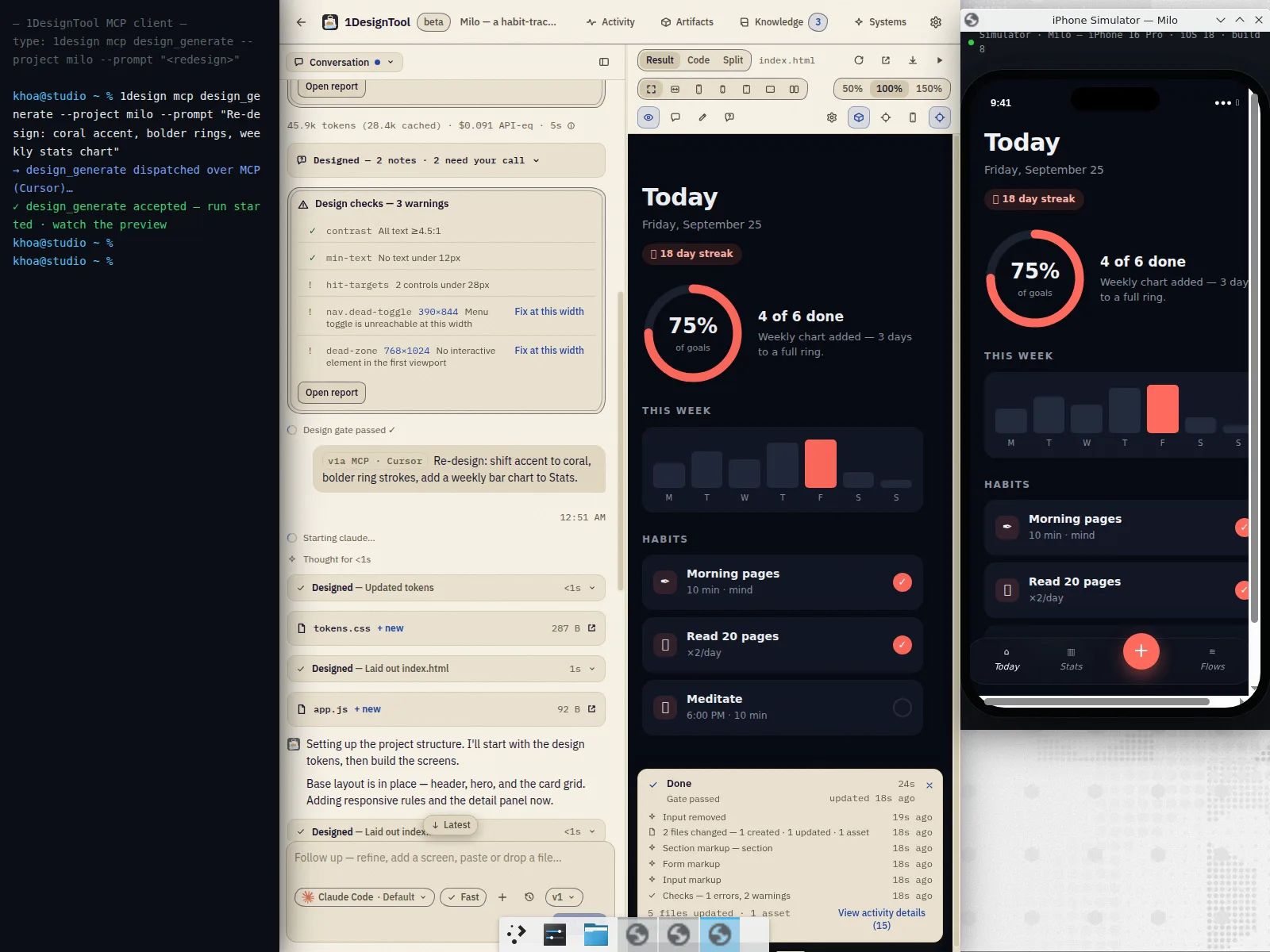
This page was designed by a coding agent calling those tools.
1DesignTool is one of the StoicSoft desktop apps. Each is bought once and runs on its own, and they pass work along.
 1DesignToola design
 1VideoToolvideo material
“Send to 1VideoTool” turns a design into video material.
| Bundle | Apps | Price | Store |
|---|---|---|---|
| The Design StackFor developers |  | $39 | Get the Design Stack |
| The Builder Stack |   | $69 | Builder Stack |
| The Studio Stack |   | $69 | Studio Stack |
| The Launch Stack |   | $69 | Launch Stack |
| StoicSoft CompleteAll twelve paid apps |  | $199 | Complete |
One-device prices. A StoicSoft bundle key (SS-…) activates 1DesignTool Pro in the same key field.
A real free tier, then one payment. No subscription, no account, and your files stay yours.
$0
$29 for 1 machine
Sixteen coding CLIs: Claude Code, Codex, Cursor Agent, Grok Build, OpenCode, Antigravity, Qwen Code, Kimi Code, Amp, Devin, Cline, Hermes Agent, Pi, Oh My Pi, Kiro CLI and Aider. 1DesignTool detects the ones already on your PATH. No API keys and no credits: your existing subscription does the designing.
The app works offline: projects, previews, templates, design systems and the design kit all live on your machine. What touches the network is the agent CLI you chose (only while it runs), license checks (Lemon Squeezy), update checks (GitHub), stock-asset fetches (Openverse, Wikimedia, unDraw) and optional analytics, off by default. There is no 1DesignTool account and no cloud project storage.
Into a project folder on your disk: HTML, CSS and JS, plus GLB, STL and the other formats the 3D, CAD and sprite types produce. The live preview reads that folder. Export is the folder.
Free is 300 prompts, unlimited projects, 3 versions per project, 4 variants, 3 design systems, unlimited code export and 50 watermarked renders. Pro removes every cap and the watermark.
It can happen. Windows builds are not signed, so SmartScreen may warn the first time you open the installer. Choose “More info”, then “Run anyway”.
You keep your licensed version forever. Pro includes 12 months of updates; after that, the version you have keeps working.
Yes. 1DesignTool runs an MCP server named onedesigntool with tools such as project_create, design_generate, preview_screenshot, run_gate and apply_and_verify. You grant access per credential and per project in Settings → MCP.
Not today. 1DesignTool is for macOS and Windows.
Free, on your machine, with the agent you already have.