New
2Design on your own AI account over MCP.
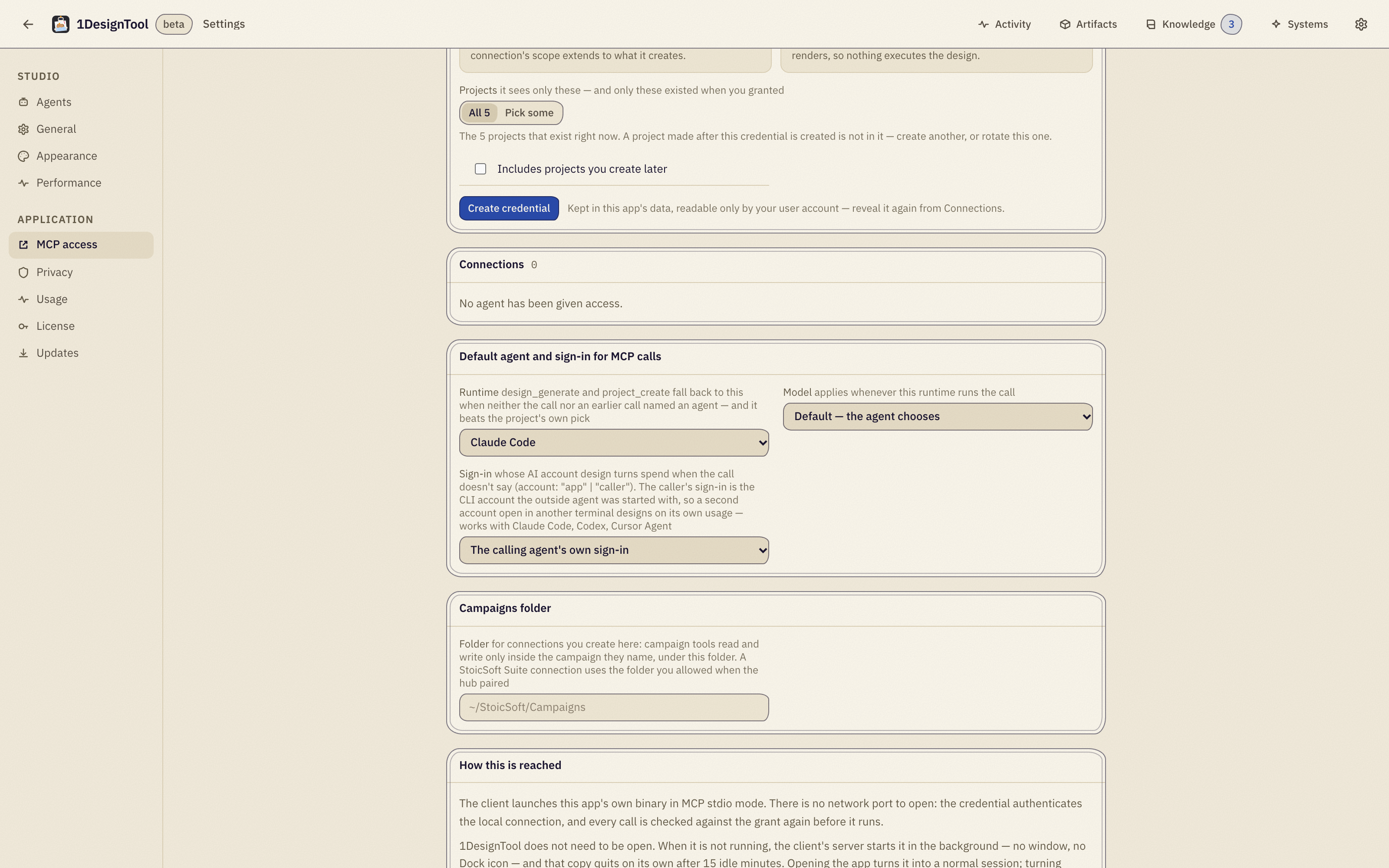
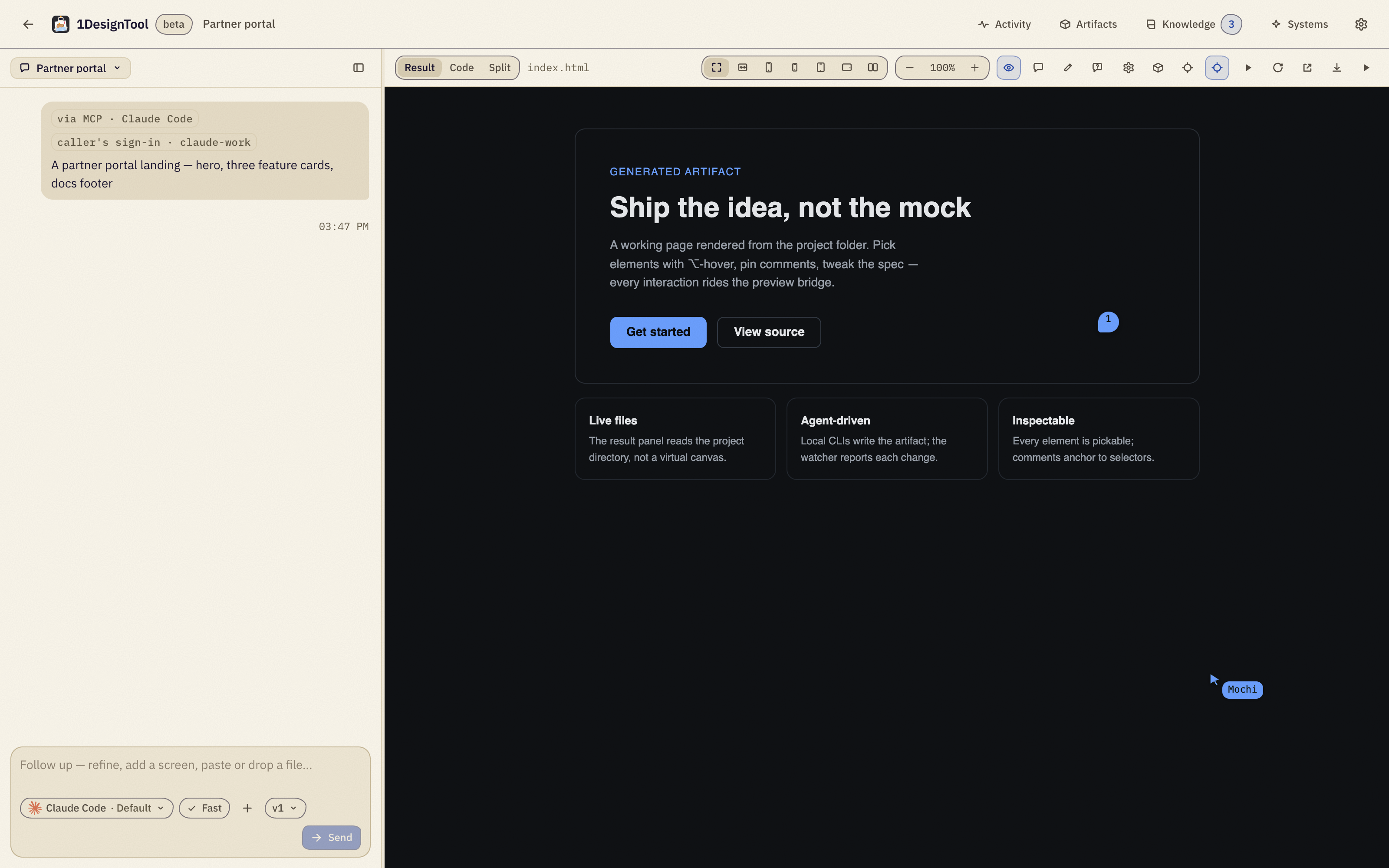
An outside agent that calls 1DesignTool's MCP server can now run the design on its own sign-in instead of the one 1DesignTool's agent uses. Run a second Claude Code account in another terminal and say "use the 1DesignTool MCP with my account": the turn runs that account's Claude Code with that account's usage. It works with Claude Code (its config folder, an API key or a gateway), Codex and Cursor Agent. Pick the default in Settings → MCP access → Default agent and sign-in. The chat marks these turns "caller's sign-in". API keys stay in memory and are never saved.
A usage limit over MCP says what to do next.
When a design started over MCP stops at a usage limit, the calling agent is told when the limit resets and that it can retry on the other account.
Fixed
2Claude Code's weekly limit reads as a usage limit.
"You've hit your weekly limit" now gets the same usage-limit card as the 5-hour limit, instead of a generic failure.
Updates no longer fail with a 403 error.
The update feed linked to GitHub's API, which allows a limited number of requests an hour per network, so an update could fail on a busy one. It now uses the public download links.