New
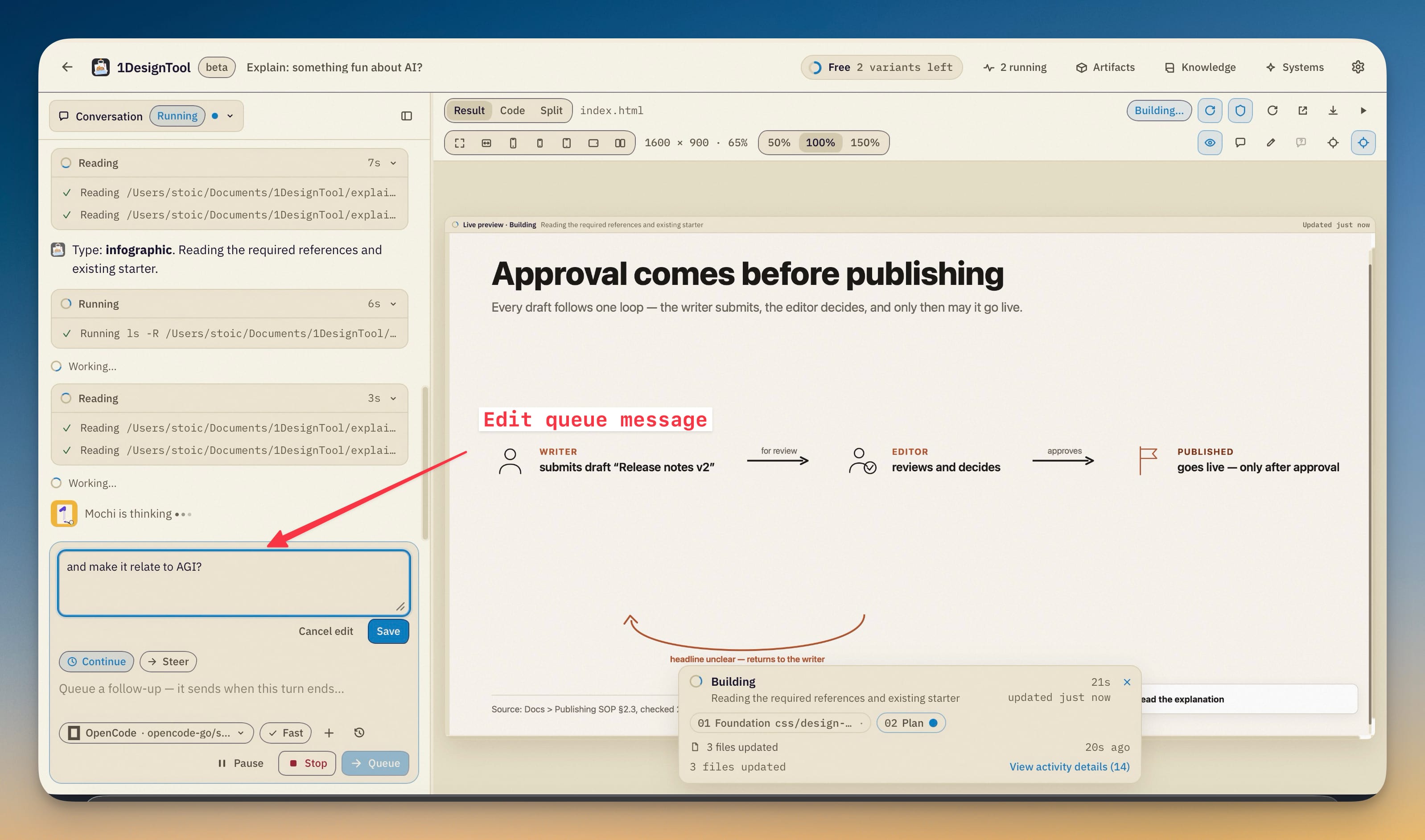
10Steer a running turn.
While a turn runs, the composer offers Continue and Steer. Continue queues a follow-up as before; Steer checkpoints the running task and resumes it with your instruction — completed work is kept and the new instruction applies to what's left. Queued messages are editable in place (click one to edit, ⌘⏎/Ctrl↵ saves, Esc cancels), each keeps its own attachments, and *Steer now* on a queued message applies it immediately instead of waiting for the turn to end.
Sent attachments preview in place.
A filename chip on a sent message is now clickable — images open in a dialog inside the studio, and any file offers *Open in default app*. Attachment chips on conversations saved before this release work the same way.
Reconstruct a design system from your sources.
*Create design system* now rebuilds a system from what you attach — screenshots, PDFs, exported tokens, existing code, Figma content — instead of fitting it to a preset direction.
- Each source is recorded with a role (design reference, desired-output example, supplement), and every foundation value and component carries provenance — extracted, observed, inferred, extended or unknown. A cover image yields a faithful system with its extensions labeled; it never claims unseen Figma pages or a component count the reference didn't show.
- The result is a complete package: canonical tokens, foundations, components, interactive documentation with search and platform filters, and copyable code in CSS, tokens JSON, Tailwind, Swift and Kotlin — all generated from the same token data.
- Verification is part of the gate: structure, exports and rendered documentation are checked, and the Systems card reports the reconstruction's mode and which checks didn't pass.
- An agent runtime that can't inspect images is told so, and those sources are marked unsupported instead of being guessed at.
Design-system packages travel whole.
*Save as design system* and *Import design system…* (renamed — Claude Design exports still import) now carry the complete design-system.json package: components, documentation, fonts, exports, reports and assets, not just tokens and rules. Applying a system installs all of it and records the package's version on the project.
Motion presets for 3D scenes.
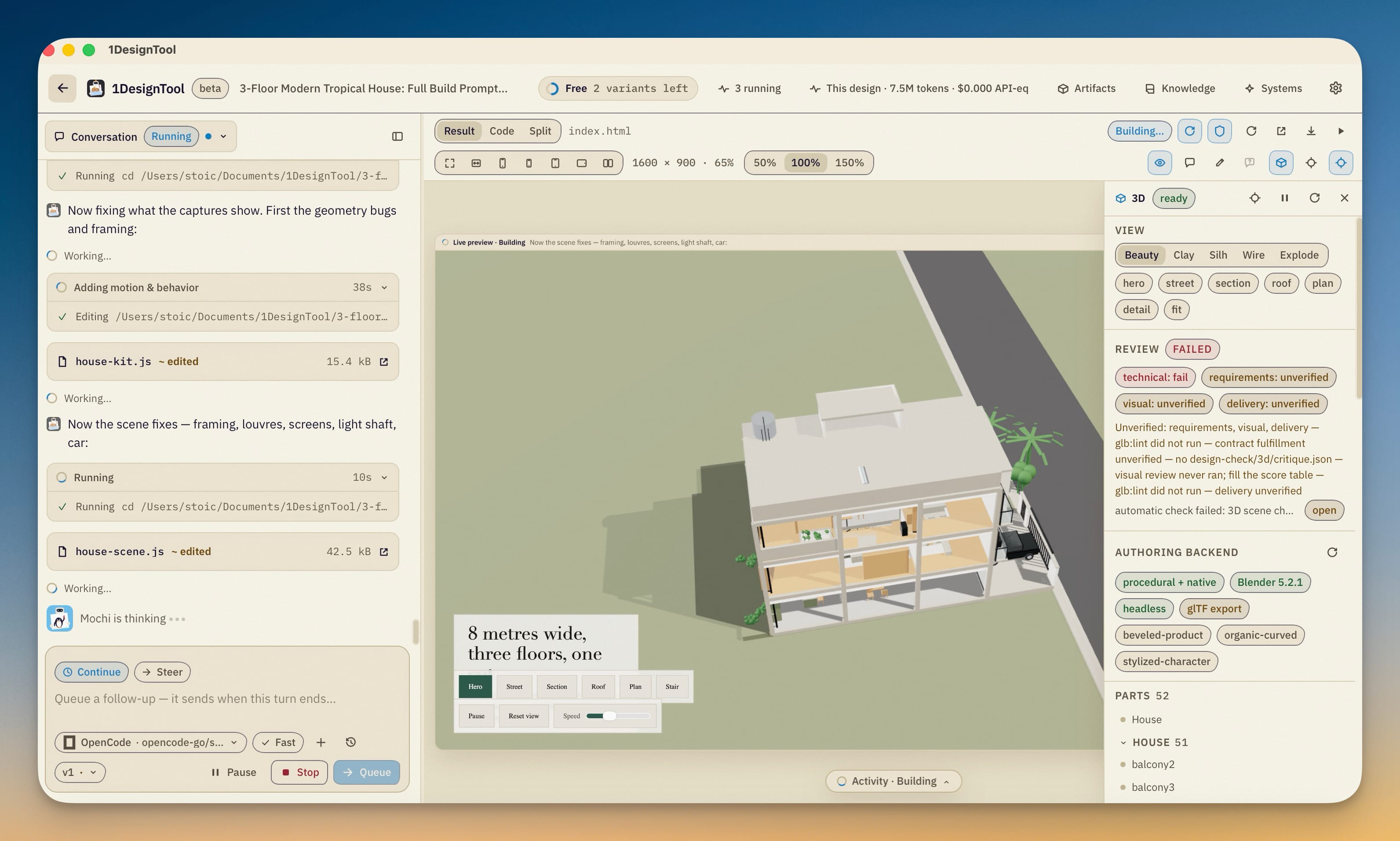
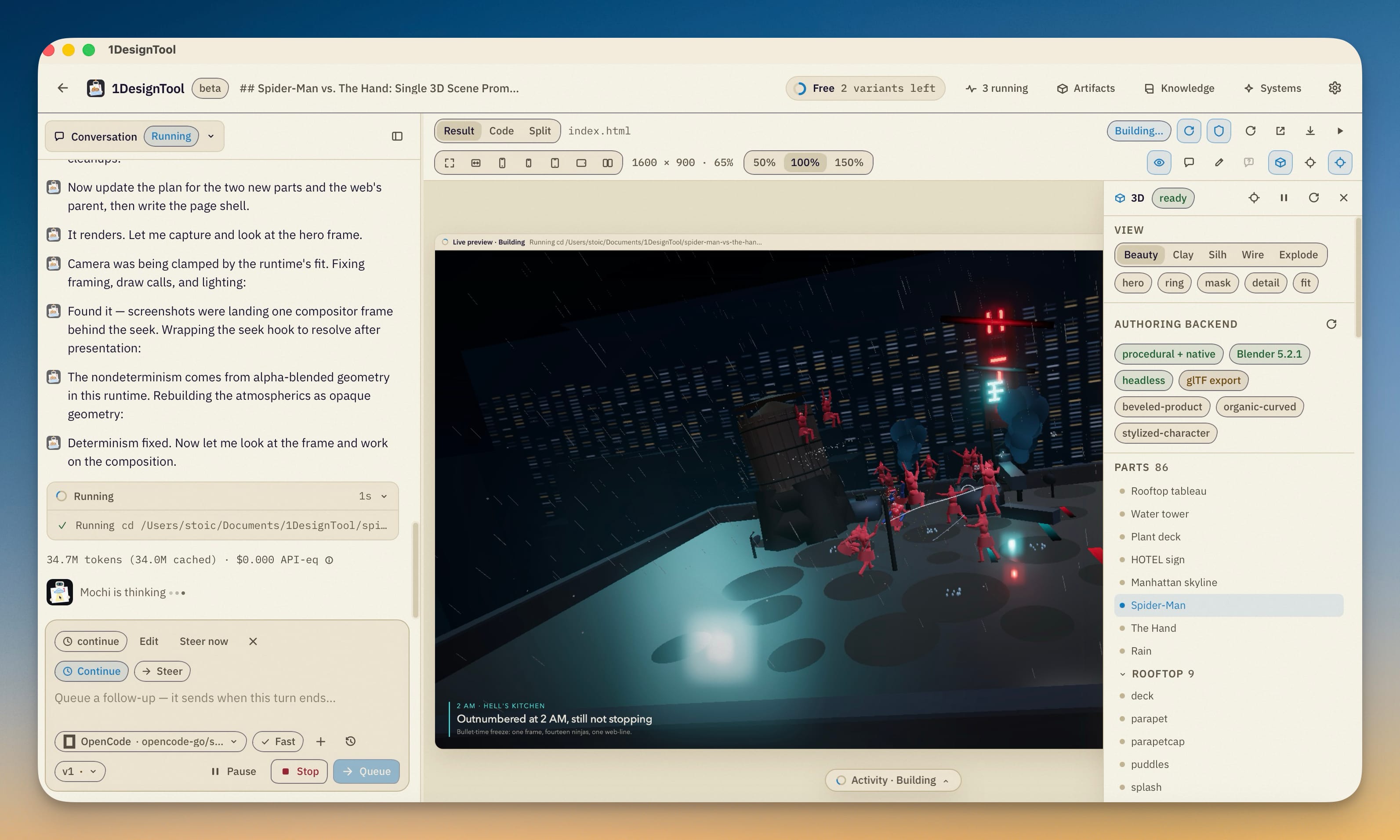
Select objects in the scene editor and open *Motion presets*: turntable, explode, float and breathe compile into ordinary editable tracks — previewed on the timeline first, committed only when you apply. Duration, delay, stagger and its order, axis, amount, hold, easing and seed are stored as a recipe on the document, so a preset regenerates after the scene changes — and regenerating refuses to overwrite tracks you've edited until you detach the recipe.
Product-shot staging in one action.
*Frame and light selection* creates an authored camera plus a studio three-point, soft overcast, low-key or silhouette lighting rig at 16:9, 1:1 or 9:16. *Camera orbit* and *Camera push* add the move as an editable clip; framing protects a bounding sphere over the sampled motion so the subject stays in shot.
Product card compositions.
With an authored camera active, *Product card* renders a finished card — the live scene plus a fitted title/subtitle, a callout pinned to an object, and optional PNG/JPEG/SVG artwork — to PNG, a PNG sequence or MP4 (using your local ffmpeg), under exports/composition-* with a manifest of hashes and findings. Reduced motion freezes entrances instead of playing them.
Beat markers and loop control on the timeline.
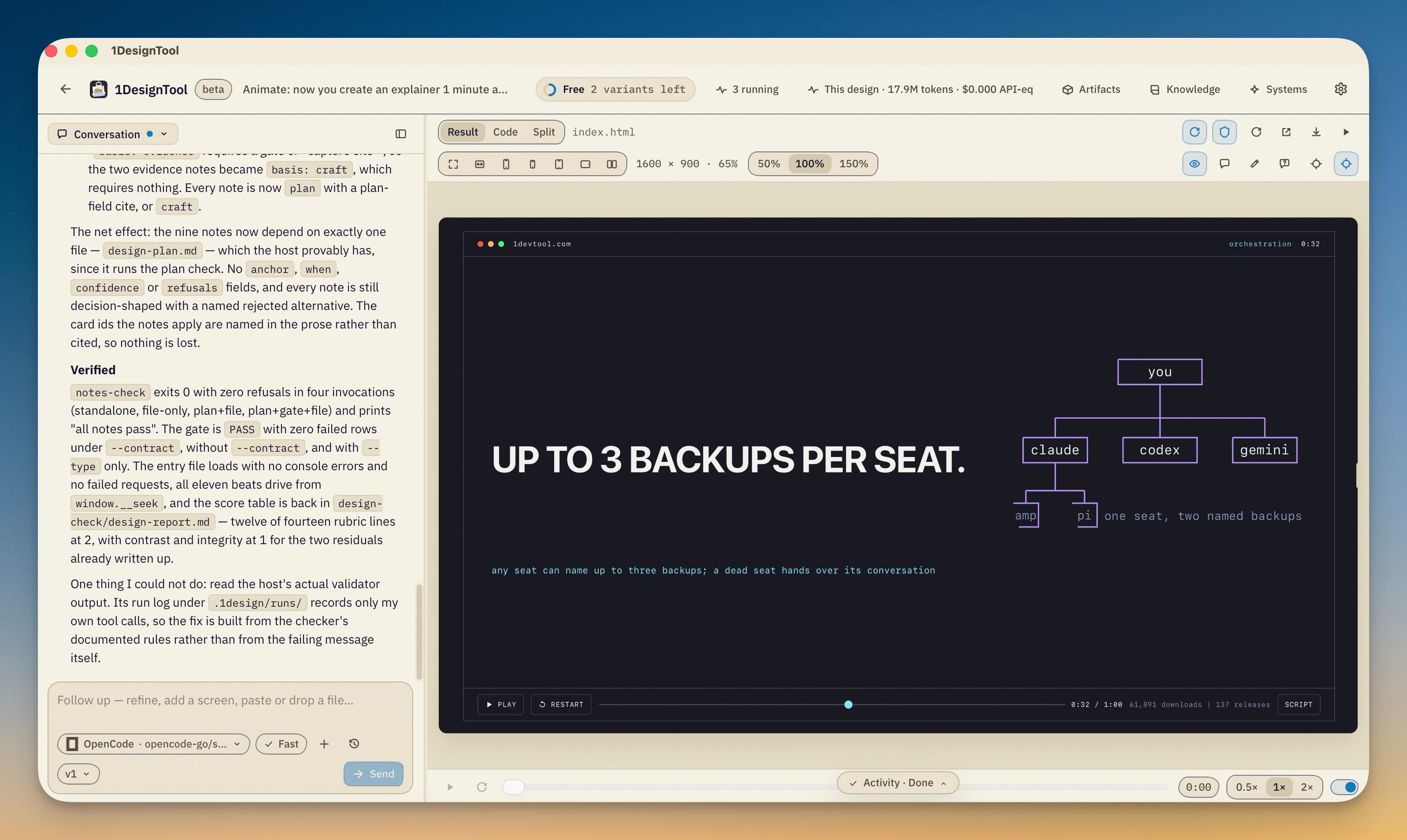
*Mark playhead* stores a named beat on the clip and clicking one jumps the playhead to it; a Loop checkbox controls whether preview playback wraps.
Import native motion.
A baked motion JSON — for instance the output of the kit's rigid-animation compiler — merges into the scene as a single undoable transaction with fresh object and track identities; the performance, seed and provenance ride along.
GLB exports carry a capability manifest.
Next to scene-<rev>.glb, a .manifest.json records the document hash, backend and assets, runs the motion checks, and states which animated channels the export delivered — including the material, light and camera property tracks the format omitted.
Improved
1Video exports say how repeatable they are.
The manifest labels each export deterministic-seek or real-time-fallback, so what a re-export will do is visible before you trust the frames.
Fixed
4The activity card no longer fights the stage.
It rendered under the 3D scene inspector, and a long activity log could grow past the bottom of the stage with its controls unreachable. The card now sits above the inspector, scrolls inside the stage's height with its dismissal and detail controls pinned, and the empty overlay area passes clicks through to the preview.
Scrubbing a clip leaves materials as it found them.
Previewing animation that touches opacity, transparency, emissive color or alpha cutoff used to leak those values into the base material; the playhead's overlay now restores all of them.
A broken environment fails the export.
A capture whose environment texture couldn't load used to warn and render anyway; it now errors, so an exported frame can't silently ship untextured.
Directions from a saved system resolve their aliases.
A design system whose tokens.css points its kit colors and fonts at var(--ds-*) aliases published a direction containing the literal alias text — its palette and fonts showed broken in the pickers. Aliases now resolve (with a cycle guard) before publishing, and a reconstructed system's canonical CSS stays intact instead of emitting a lossy direction.